



PDF-XChange Viewer on fedora 13
While there may be alternatives, you do not need on. I have pdf xchange viewer  running on linux natively using wine.

Install wine using fedora package manager (System->Administration->add remove software).
Search wine and install (A Windows 16/32/64 bit emulator) if it is not already installed.
Then download the installer for PDF Xchange and run the installer like normal. Because i don't normally run this software, I can't tell you how good it works. Its seems to be stable to me though. Hopefully, @tinypliny #52765 can give you more info.
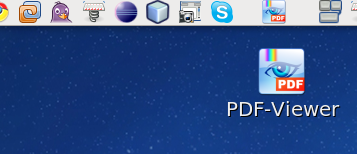
It should make a shortcut on the desktop. You can drag that to the panel at the top of the screen if you prefer.

running on linux natively using wine. 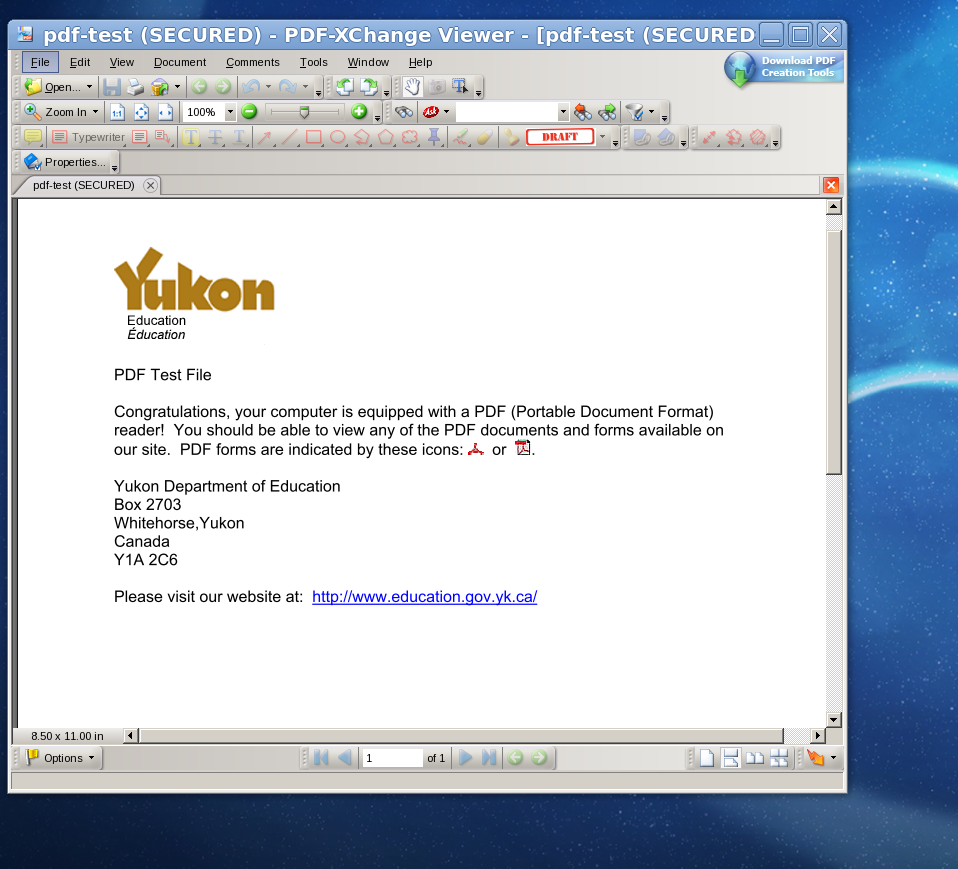
Install wine using fedora package manager (System->Administration->add remove software).
Search wine and install (A Windows 16/32/64 bit emulator) if it is not already installed.
Then download the installer for PDF Xchange and run the installer like normal. Because i don't normally run this software, I can't tell you how good it works. Its seems to be stable to me though. Hopefully, @tinypliny #52765 can give you more info.
It should make a shortcut on the desktop. You can drag that to the panel at the top of the screen if you prefer.


But opens up a gaggle of questions...
So wine is fine then? I thought the idea was not to use and run things straight off fedora without an emulation interface. Is this a bridge solution till a native PDF Xchange-like solution comes to fedora? You said you were able to run Q10 as well - does that mean I can run almost any windows program on wine (that I can't find native alternatives to) and get away with it... including say, MS Word?!